Which homepage do you prefer?
We're making the homepage simpler. In every option the vets move to the team page, opening hours sit at the top, and the "Book on our app" button stays on screen on every page. Open an option to click through it; the dark bar at the top of the screen switches between options. Each option also has a team page with the new, longer vet write-ups.
Tap Feedback (bottom right) on any page to tell Dr Bholla which you prefer, or what you'd change.
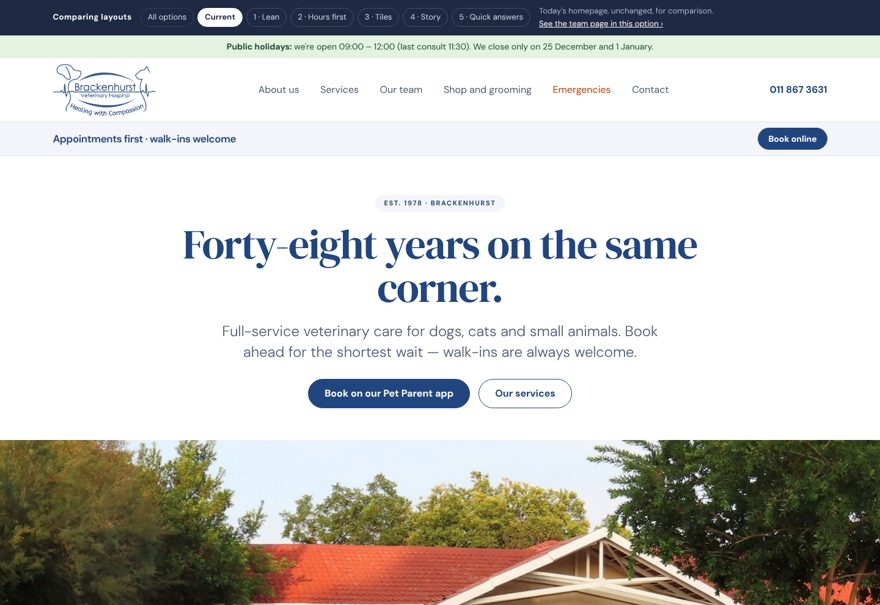
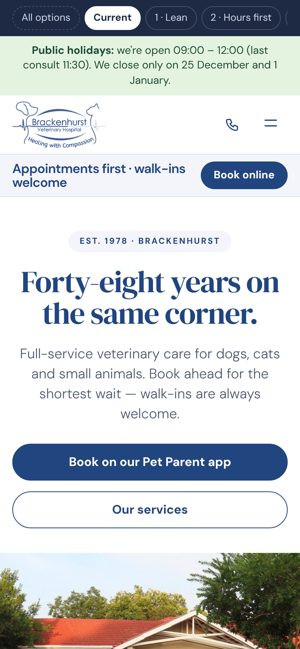
Today's homepage
Unchanged, for comparison: hero, diagnostics, shop and grooming, six care areas, hours, waiting room, vets and map.
- Hours
- Hours section halfway down the page
- Booking
- "Book online" in a grey bar that scrolls away
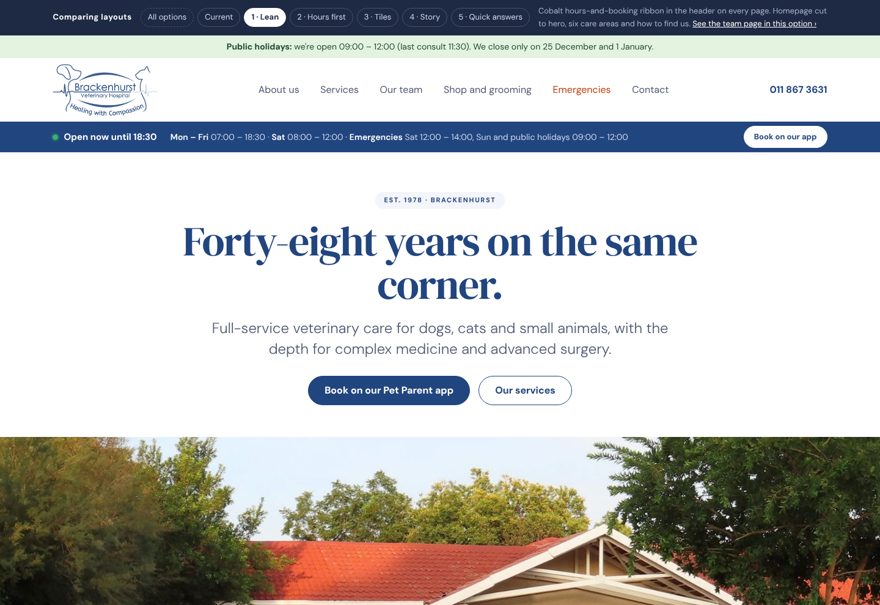
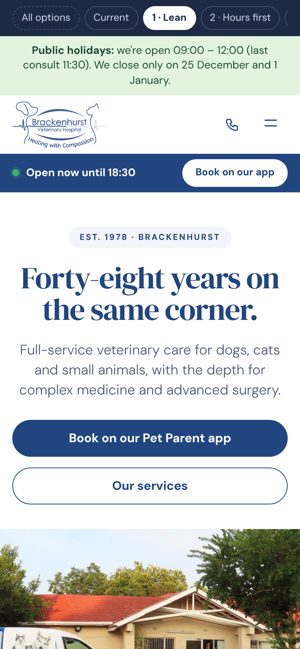
Lean
Hero, the six areas of care, then how to find us.
- Hours
- Blue band under the header on every page, with "Open now" and the full week
- Booking
- "Book on our app" in the same blue band
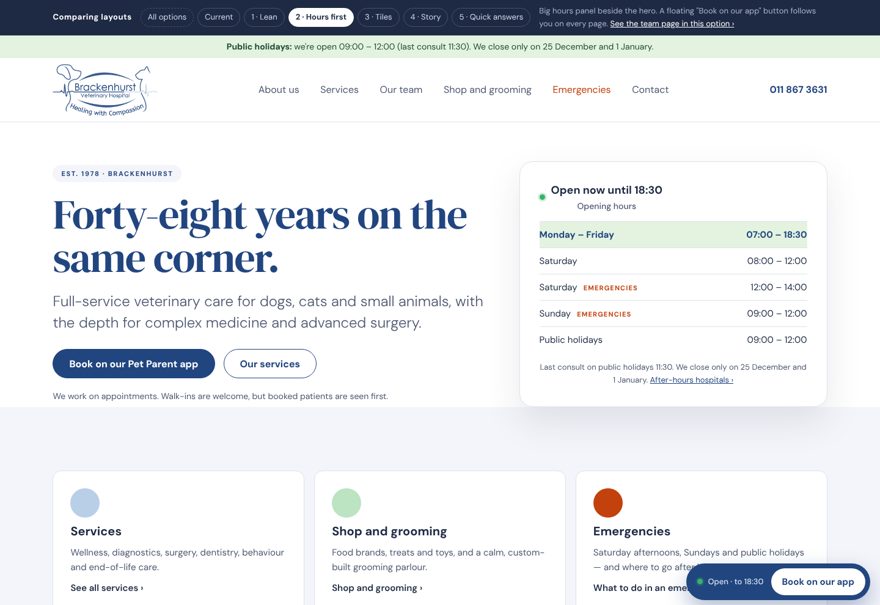
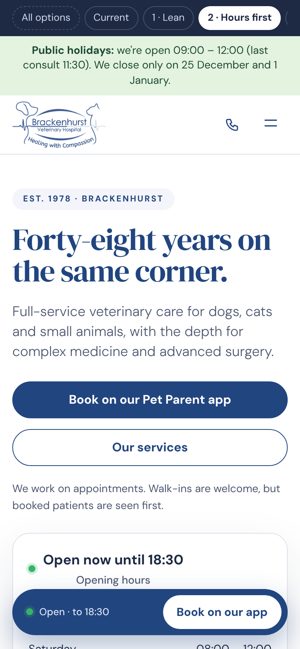
Hours first
Large hours card beside the hero, then three cards: Services, Shop and grooming, Emergencies.
- Hours
- Hours card at the top of the homepage, today highlighted
- Booking
- Floating "Book on our app" button, bottom right of every page
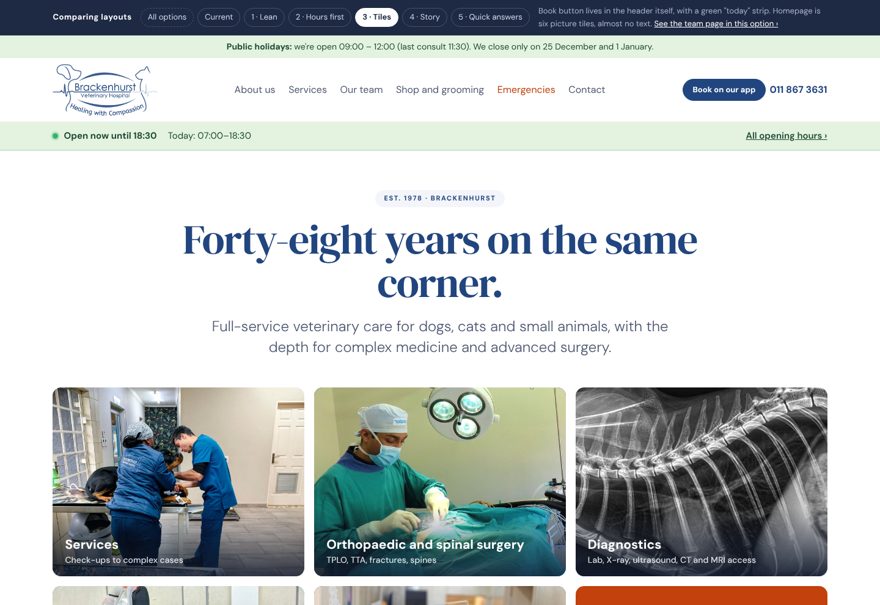
Tiles
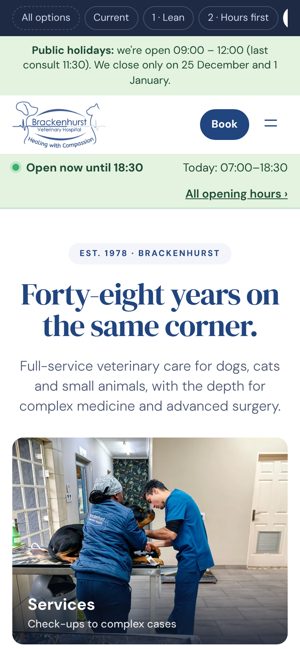
Six big picture tiles, one for each part of the site, with very little text.
- Hours
- Green "today" strip under the header on every page
- Booking
- "Book on our app" button in the header
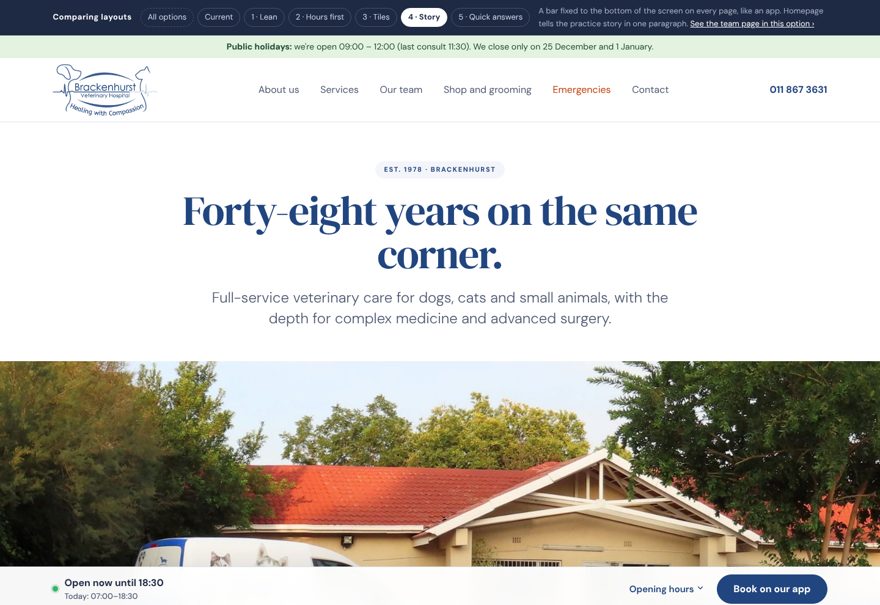
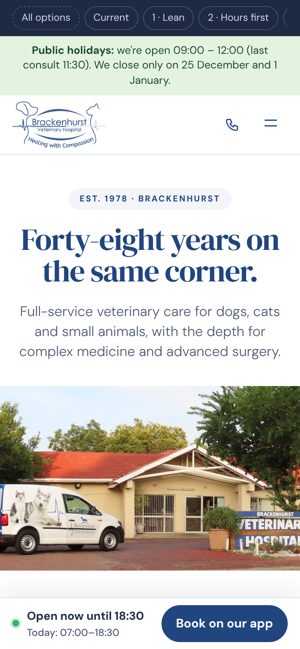
Story
One paragraph about who we are, two photos, then the services as coloured links.
- Hours
- Bar fixed to the bottom of the screen; tap "Opening hours" for the week
- Booking
- "Book on our app" in the same bottom bar, like an app
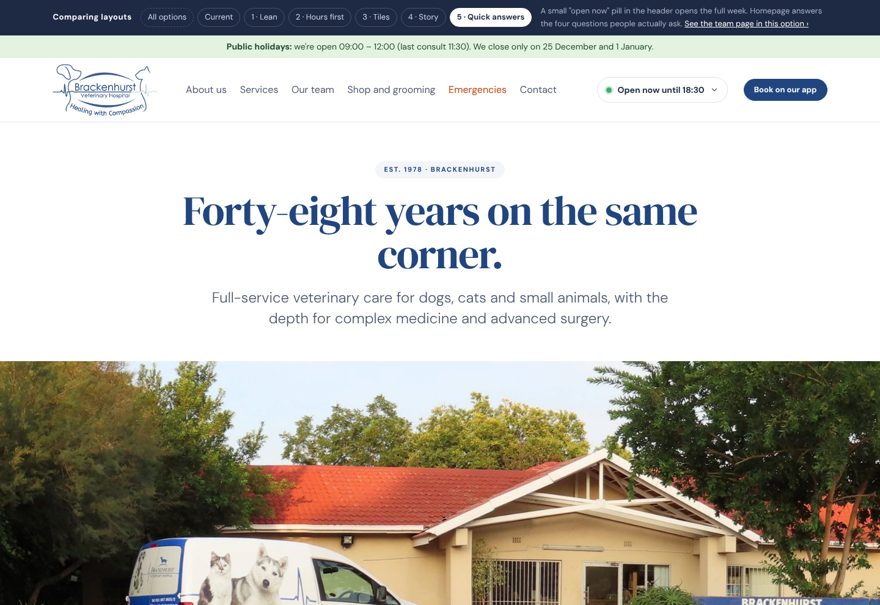
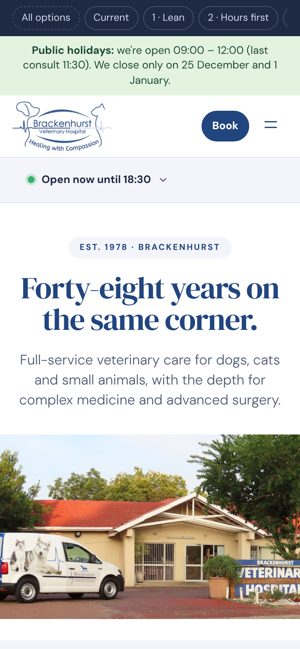
Quick answers
Four cards: when are you open, how do I book, what if it's an emergency, where are you.
- Hours
- Small "Open now" button in the header; tap it for the full week
- Booking
- "Book on our app" button in the header